
- CCTV surveillance
- Alarm systems
- Access control
- Remote alerts
 Security
Security works best in layers
Good security lets you see, detect, control and respond. We combine cameras, sensors and access control to suit your property and budget.
You can check in from your phone and get alerts when something needs attention.
- Cameras placed for clear views of entrances and key areas
- Sensors and sirens that give early warning
- Control over who enters and when
What a complete security setup includes
Mix the parts that fit your property.
CCTV cameras
Cameras placed to cover entrances, perimeter and key areas, with night vision for after-dark recording.
Recording (DVR / NVR)
Storage sized to the number of cameras and how many days of footage you want to keep.
Alarm systems
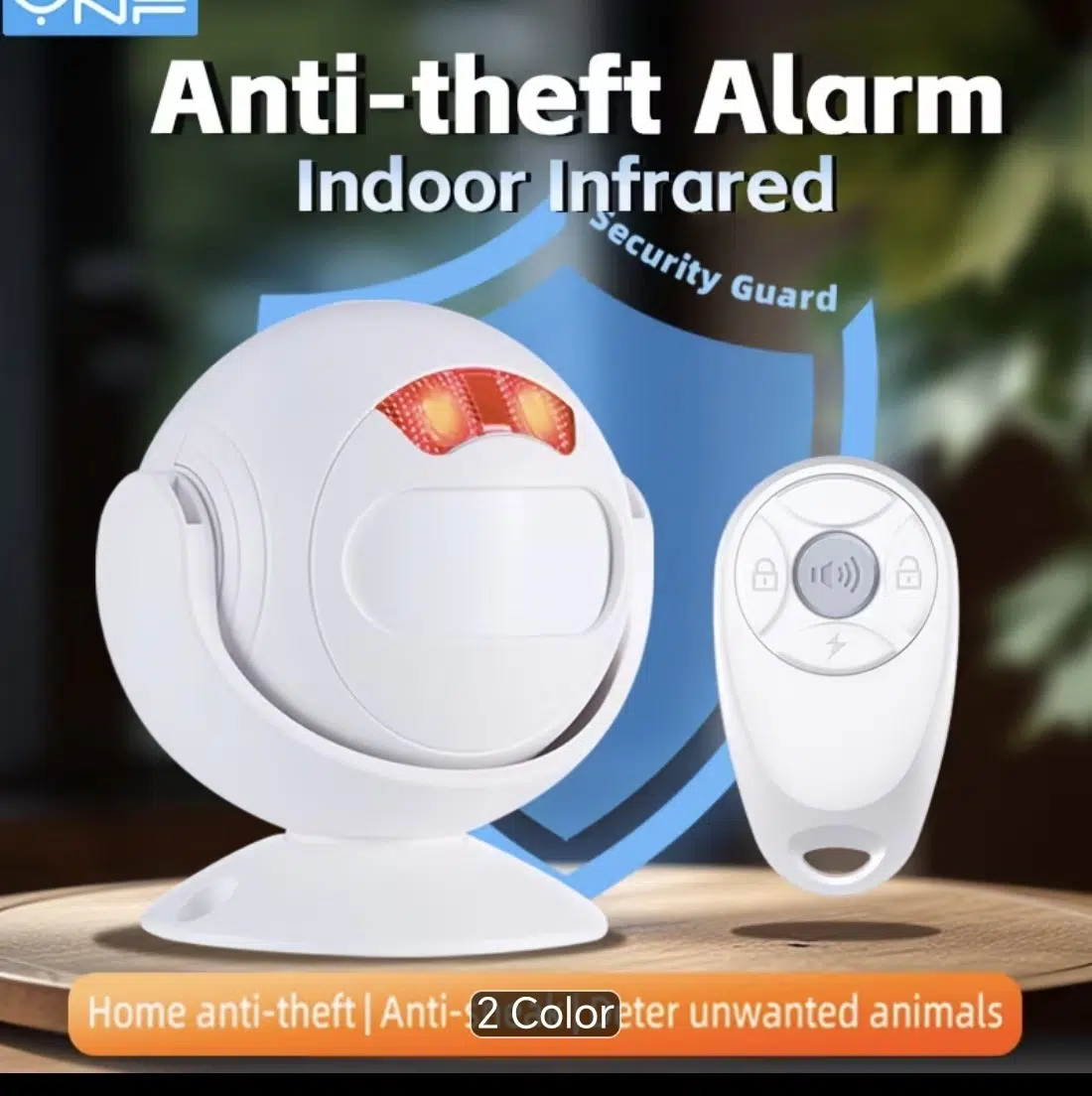
Door, window and motion sensors with sirens, keypads and remote controls.
Access control
Fingerprint, card or PIN readers with electric locks to control who goes where.
Intercom and door phones
See and speak to visitors before you open the gate or door.
Remote monitoring
Live view and alerts on your phone, wherever you are, with internet access.
Plan your CCTV the right way
These choices decide how clear and reliable your system will be.
Choosing a camera type
Each type suits a different job. We often mix them on one property.
| Camera type | Strengths | Things to know |
|---|---|---|
| Analogue HD | Cost-effective with good picture. Uses coax cable. | Less flexible to expand than IP systems. |
| IP camera | Higher detail. One network cable can carry power and video (PoE). | Needs a network switch and proper cabling. |
| Wireless / Wi-Fi | Easy placement where cabling is hard. | Needs good Wi-Fi signal and a power source. |
| PTZ (pan, tilt, zoom) | Covers a wide area and can zoom in on detail. | Best used with fixed cameras, not instead of them. |
What we plan before installing
We decide these with you during the site survey.
Field of view
Lens choice decides how wide the camera sees and how much detail you get.
Night vision range
Infrared range must match the distance to what you want to see.
Storage days
Resolution, camera count and recording mode decide how long footage is kept.
Power and backup
PoE or 12V power, with backup so cameras stay on during outages.
Internet for remote view
Upload speed affects how smoothly you can watch from your phone.
Access and passwords
Strong passwords and limited user access keep your footage private.
Built for every kind of space
- Homes
- Shops and offices
- Warehouses
- Schools and estates
From first visit to handover
- 1
Site survey
We walk the property and note risk points.
- 2
Layout plan
We plan camera, sensor and lock positions.
- 3
Install and cable
Neat cabling and secure mounting.
- 4
Set up and phone link
We configure recording and your phone app.
- 5
Train and support
We show you how to use and review the system.
Things people often ask
Can I watch my cameras from my phone?
Yes. With an internet connection we set up the system so you can view live video and recordings from your phone.
How many days of footage can be stored?
It depends on the hard drive size, number of cameras, resolution and whether you record all the time or only on motion. We plan this with you at the start.
Do cameras work at night?
Yes. Cameras with infrared night vision record in the dark. The range differs by model, so we match it to your space.
Will the system work when there is no power?
It can, if it is connected to a UPS, inverter or solar backup. We can power your security system from your solar setup.
Should I choose wired or wireless?
Wired cameras are more reliable. Wireless works well where running cable is not practical, as long as the signal and power are good.
Combine services into one coordinated project.
Power, electrical, security, ICT and automation, delivered by one accountable team.